01
Real-time 3D positioning
Track precise X, Y and Z coordinates across the performance area and transform movement into stable, usable control data.
Real-time spatial tracking for automated followspot, lighting, sound, PTZ and media workflows — from one intelligent platform.
A dedicated Main Anchor coordinates the tracking network while compact anchors provide dependable stage coverage in a production-ready system.
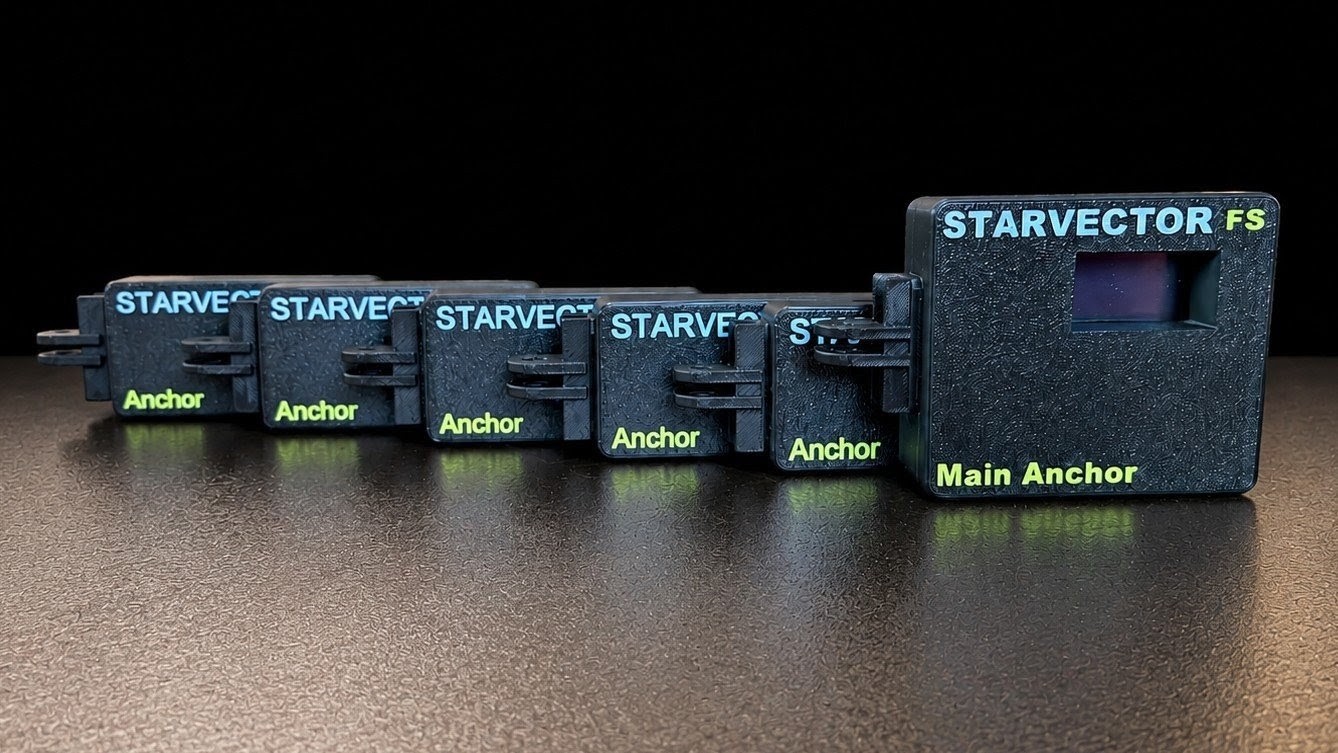
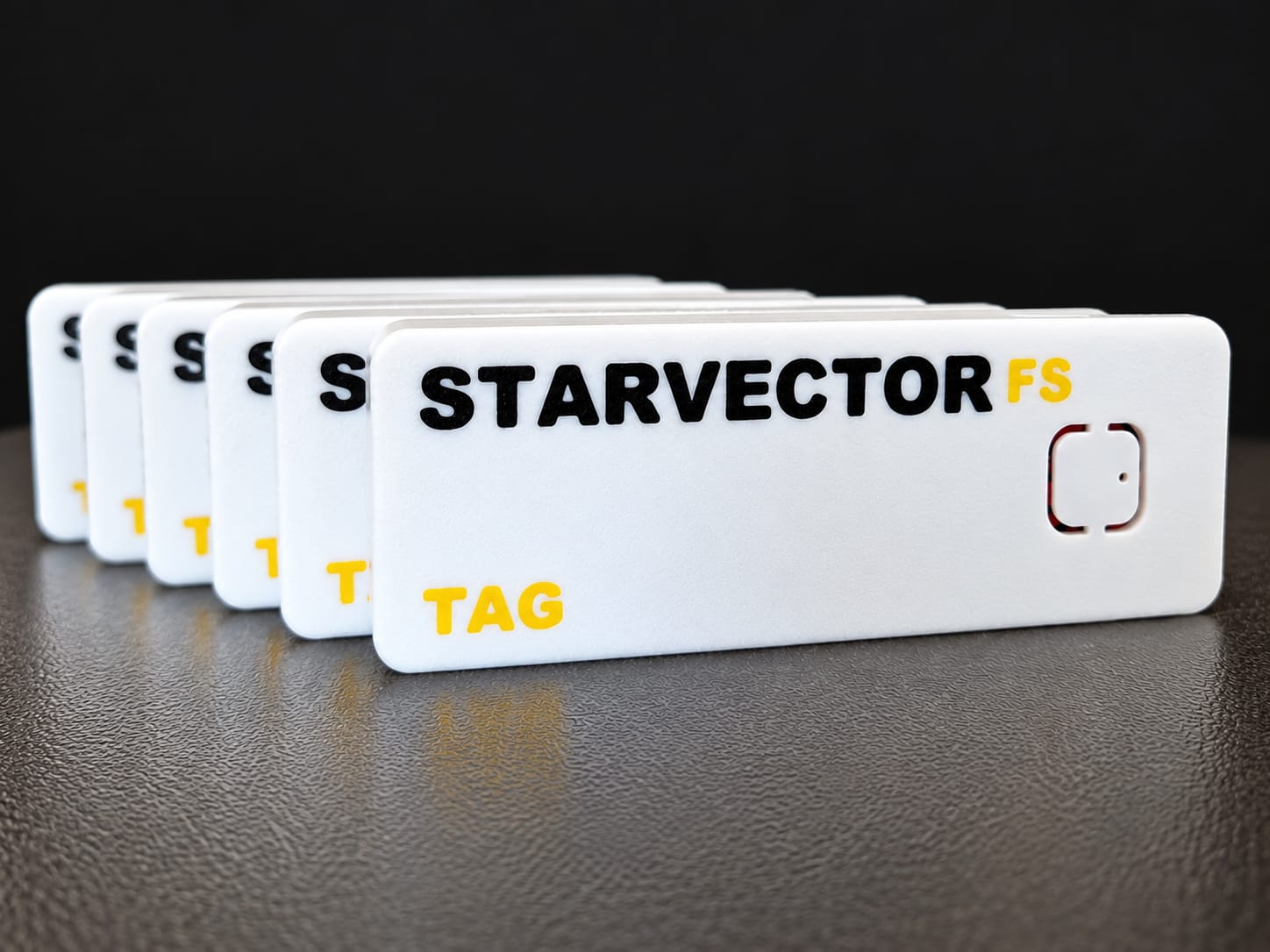
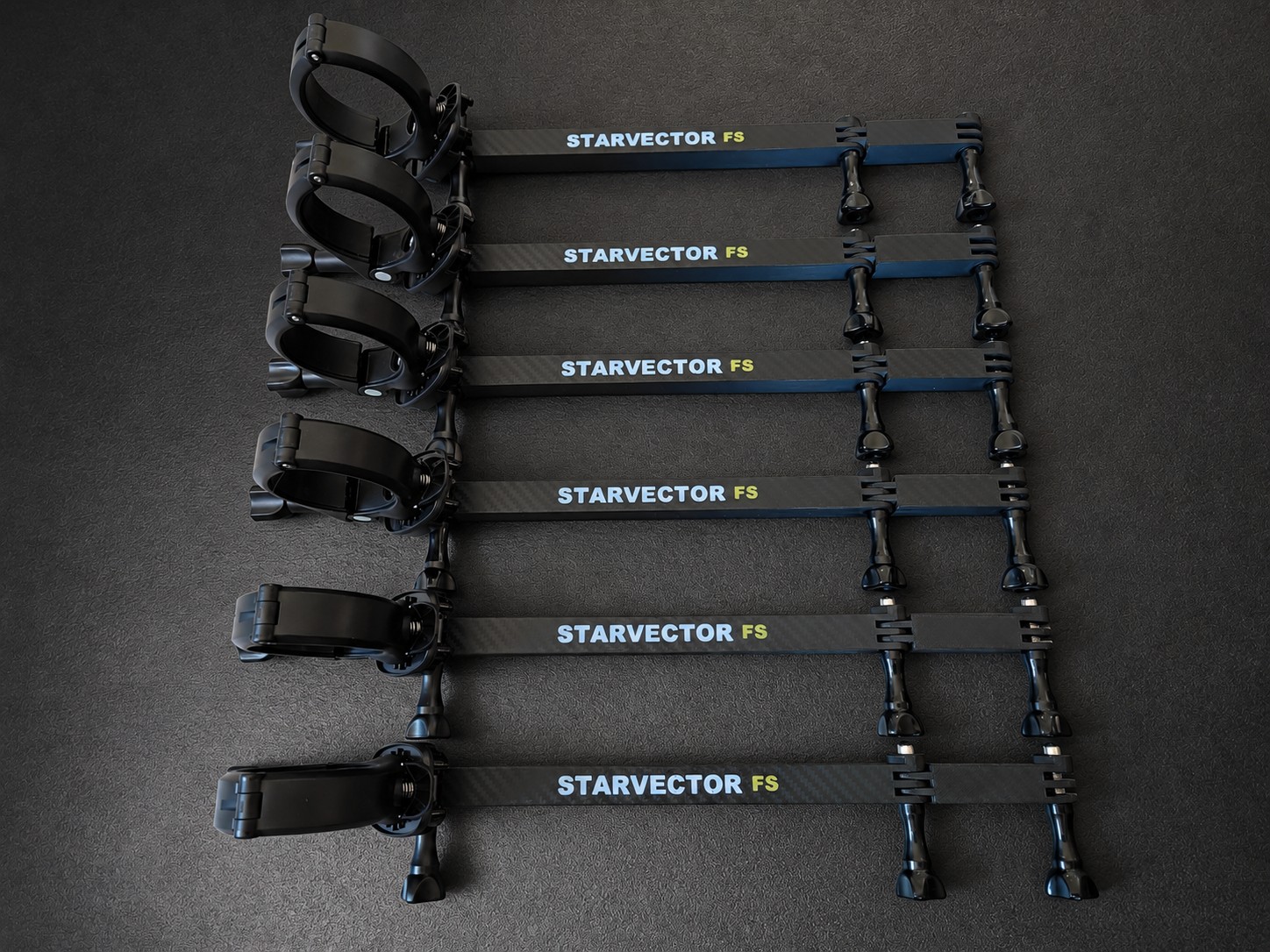
STARVECTOR FS turns performer position into live production data — accurately, continuously and without adding friction to the operator’s workflow.
Track precise X, Y and Z coordinates across the performance area and transform movement into stable, usable control data.
Scale from a focused single-target setup to multi-tag productions with independent identities and outputs.
Map tracking space to the real stage with a guided calibration workflow designed for practical setup on site.
Send tracking data to lighting consoles, media servers and networked devices through the protocols production teams already use.
Every part of the system has one job: capture movement, solve position and deliver dependable control data where it is needed.
The performer carries a compact tracked tag.
Fixed anchors measure the tag across the stage.
Position is solved, filtered and routed in real time.
Lighting, PTZ and media respond to movement.
No proprietary programming language. No closed creative workflow. STARVECTOR FS exposes tracking data through familiar production protocols so every department can build around it.
Lighting controlFollowspot, position effects and console-driven workflows.
Media & visual systemsDrive content, masks, particles and interactive scenes.
PTZ & automationRoute position data to camera and movement systems.
Sound & mixer controlConnect to compatible sound mixers and immersive processors for position-driven sound and automatic Mute Zones.
STARVECTOR FS routes tracking, lighting, sound, media and PTZ control over standard production protocols, with dedicated non-blocking network paths.
PSN 2.03 and PSN with Art-Net or sACN DMX Merge for compatible lighting consoles and show-control systems, plus optional console-specific Telnet control.
Art-Net 4 and sACN/E1.31 with Pan, Tilt, Dimmer, Focus and Zoom overlay.
Resolume OSC, Generic OSC, TUIO 1.1, Media DMX and zone enter/leave events.
VISCA over IP/UDP and ONVIF Profile S/T for Pan, Tilt, Zoom and optional Focus control.
Ethernet show traffic, local Wi-Fi web setup and OTA updates, plus BLE anchor discovery and synchronization.
Immersive Sound: Send the tag's live X, Y and Z position over OSC to a compatible immersive audio system, so sound placement follows the performer.
Mute Zones: Define stage boundaries and send automatic Mute/Unmute commands to a compatible mixer when a tag enters or leaves an area — for example, mute a performer's microphone when they leave the stage.
Requires MAIN v3.8.0 or later and compatible equipment. Mixer profiles and commands depend on the model and setup.
NDI clarification: STARVECTOR FS can control compatible NDI-capable PTZ cameras through VISCA or ONVIF. The Main Anchor does not transport, receive or process NDI video.
Choose the complete 6/6 package or scale with STARVECTOR FS X and StarVector Core Server.
One Main Anchor, five tracking anchors and six wearable tags in one package.
A server-based system with no fixed limit on the number of anchors or tags.
A quick overview for production teams evaluating the system.
The system can deliver performer position to compatible lighting, show-control, sound, PTZ and media workflows. Sound features include OSC position control for immersive audio systems and automatic mixer Mute/Unmute commands based on stage zones.
No. It adds live spatial data to the existing production workflow, while the operator keeps creative control in the console or media system.
Yes. The platform is designed around expandable anchor, tag and output configurations, subject to the selected system license and hardware.
Yes. Configuration, stage layout, calibration and output settings are managed through a local web interface.
Tell us about the venue, performer count and systems you use. We’ll help define the right STARVECTOR FS configuration.